Import Center is DJOID's home for bringing in all your music. Whether you're connecting Rekordbox, Serato, Traktor, Apple Music, or just dropping in local files — it all happens here, in one clear flow.
No more hunting through menus or wondering if the import worked. Import Center shows you exactly what's coming in before anything happens, then helps you get organized right after.
Step 1 - Choose Your Source
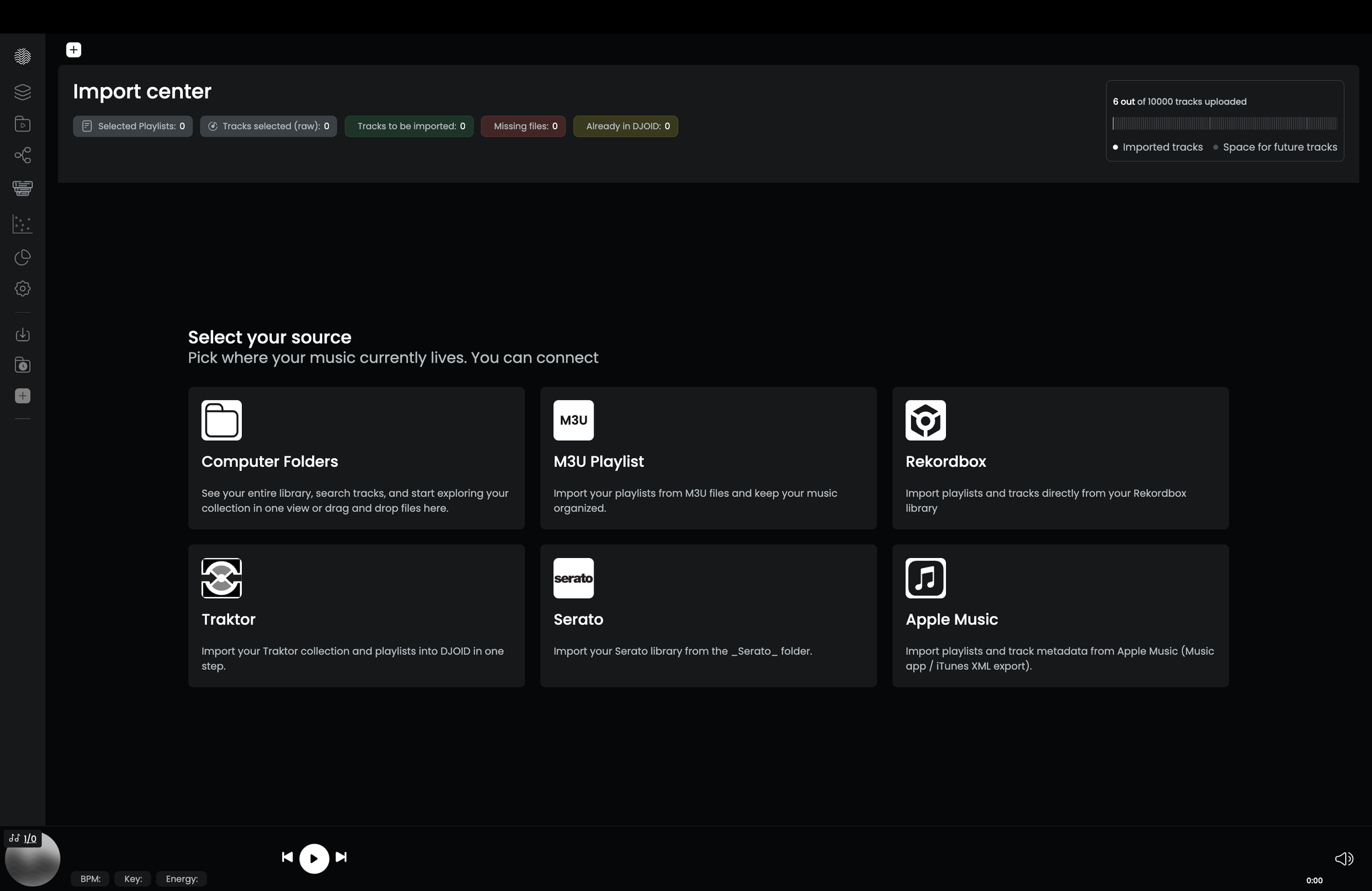
Open Import Center from the left sidebar (the + icon) and pick where your music lives:
- Computer Folders — browse, drag and drop, or scan a directory
- Rekordbox - import via XML export
- Serato - pull from the Serato folder on your computer
- Traktor - bring in your collection and playlists via NML
- Apple Music / iTunes - import playlists and metadata from the Music app or XML export
- M3U Playlist — import M3U playlist files and keep them organized
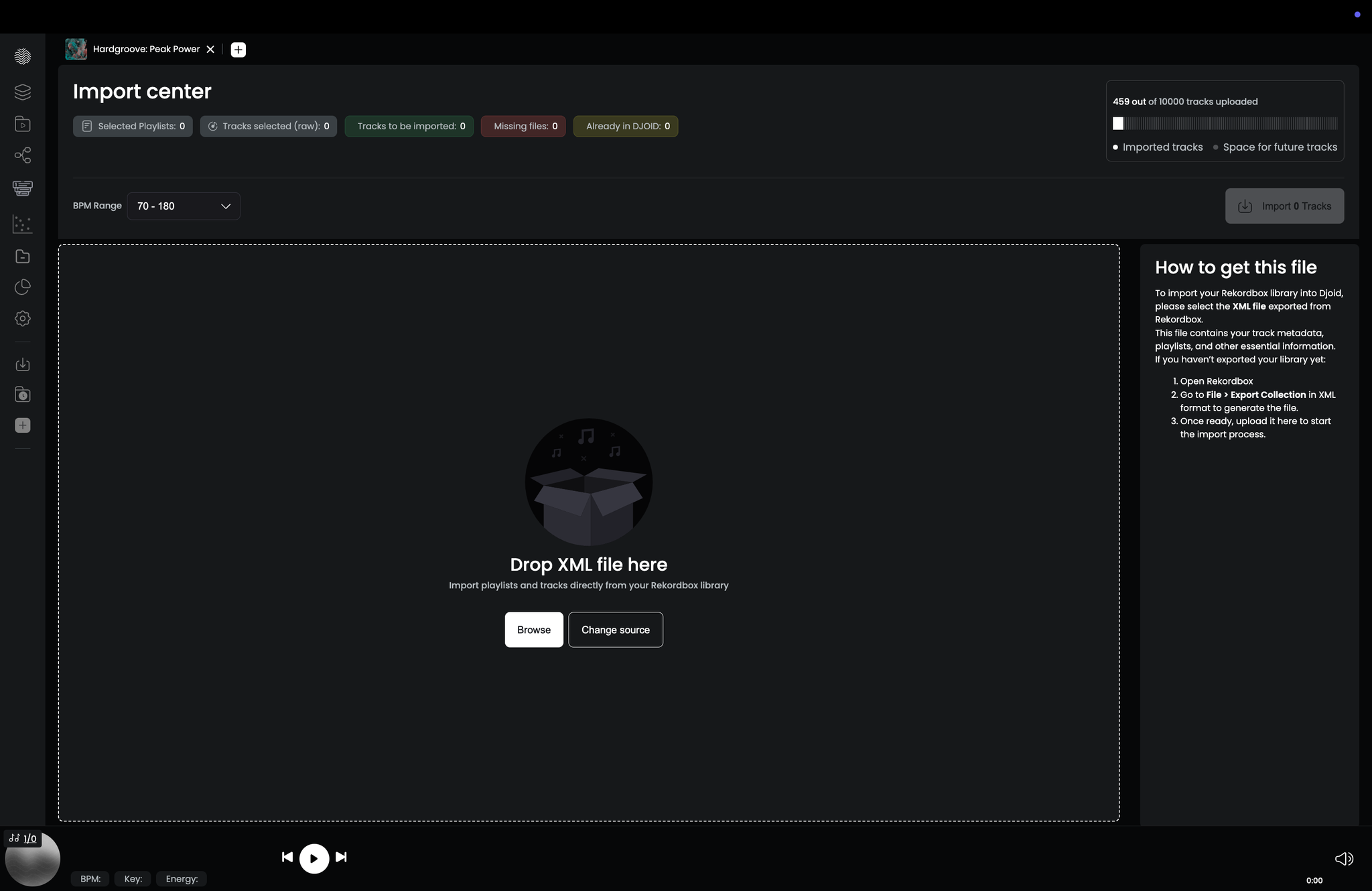
Step 2 — Get the Right File
For Rekordbox, Serato, Traktor, and Apple Music, DJOID walks you through exactly how to export or locate the required file - right inside the app. You'll see a step-by-step panel explaining what to do. Once ready, drop the file into the upload zone or click Browse to find it.
If you picked the wrong source, hit Change source to go back to the source grid.
Step 3 — Review Before You Import
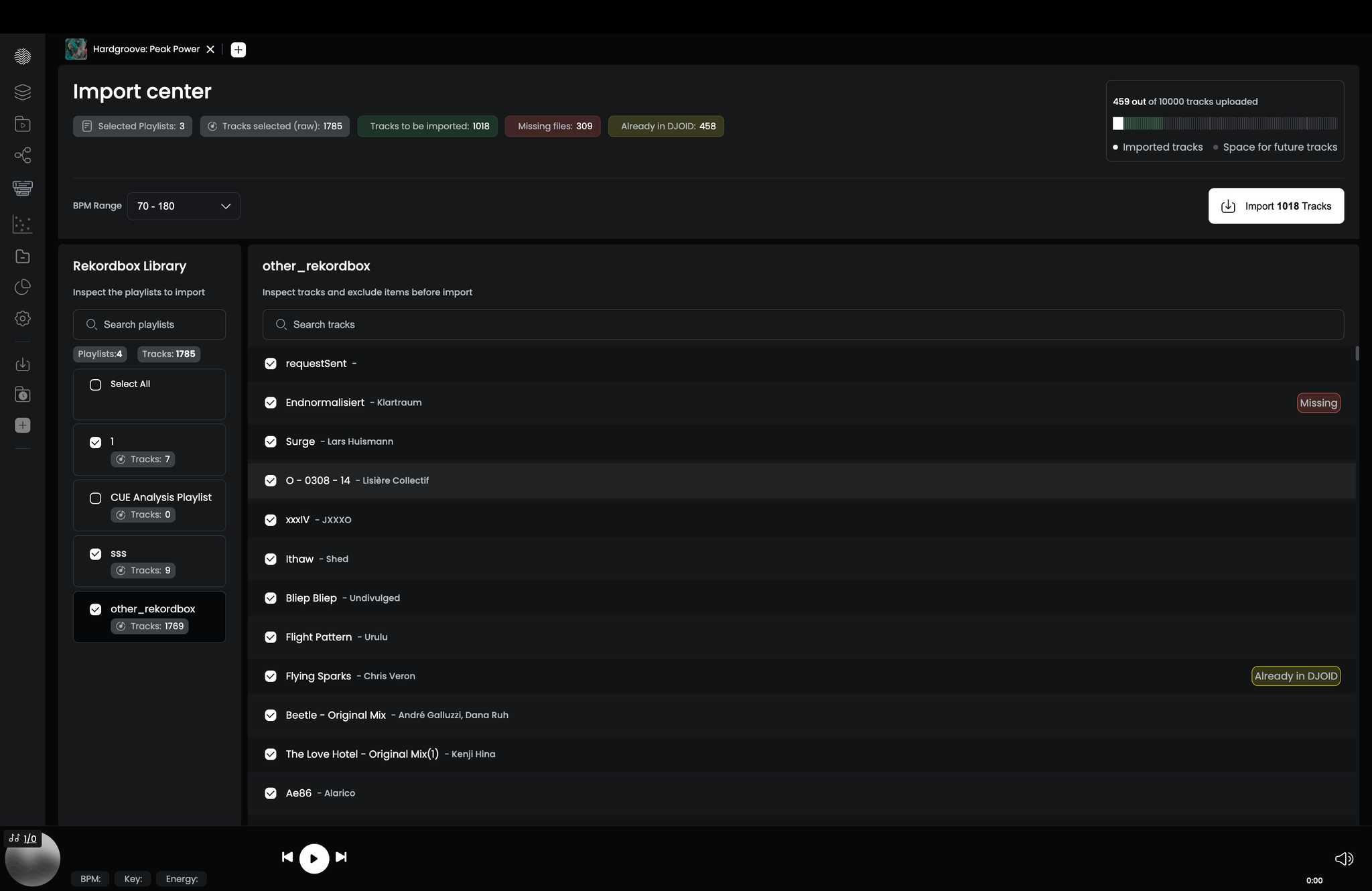
Before anything is added to your library, DJOID gives you a full preview. The review screen shows:
- Tracks to be imported — new tracks that will be added to your library
- Already in DJOID — tracks already there, so no duplicates are created.
DJOID identifies duplicate tracks based on their location in the file system. If you have two similar tracks in different directories, DJOID will treat them as different tracks.
- Missing files — tracks referenced in your source but not found on your drive
- Playlists included — so you know which playlists will carry over
You can browse and select individual playlists on the left, and deselect specific tracks on the right. The counters at the top update live. When you're ready, click Import Tracks to start.
You can also filter by BPM range before importing — useful if you only want a specific range from a large library.
Step 4 — Organize in Recently Imported
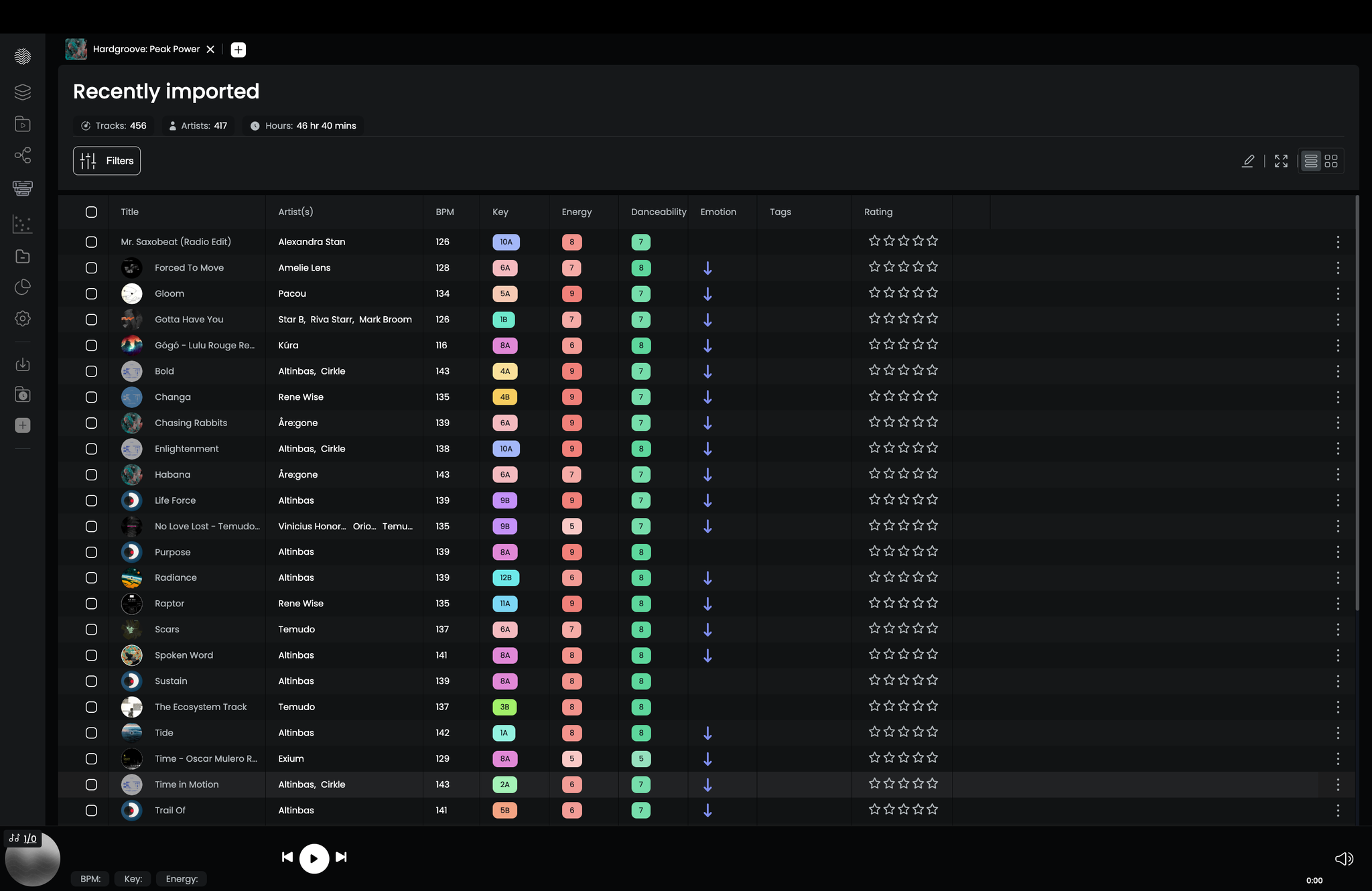
Once the import finishes, you land in the Recently Imported view - a focused page showing just the tracks from this session. From here you can sort by BPM, key, energy, or danceability, move tracks into playlists or collections, and add ratings and tags while everything is still fresh.
You'll also see a summary of how many tracks, artists, and total hours of music you just imported.
Automatic Analysis
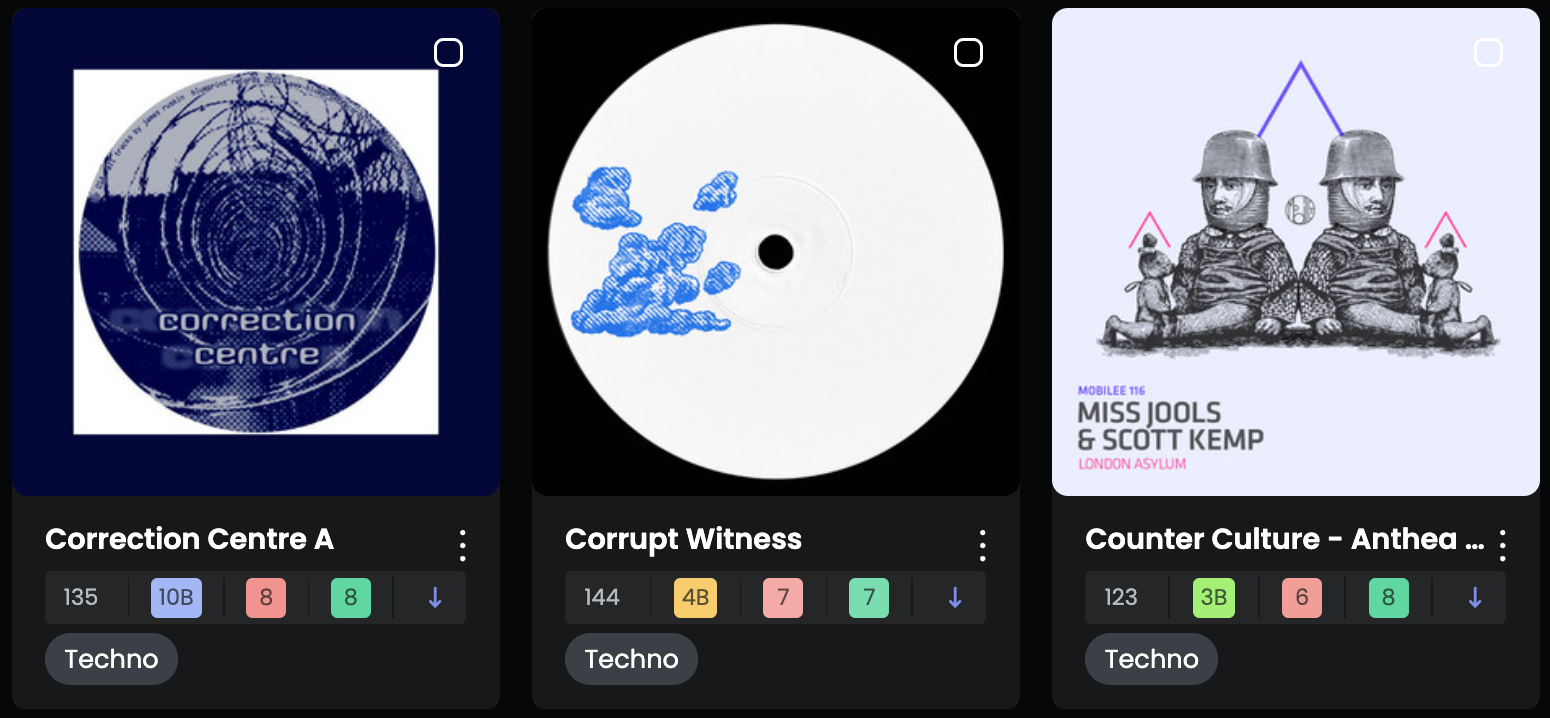
Once your music is imported, DJOID instantly analyzes each track to extract meaningful musical data.
🔍 What DJOID scans:
- Cover Image
- BPM
- Key
- Energy
- Danceability
- Emotion
- Genre
- Sub-genre

What you get:
- AI-powered tags for smarter filtering and sorting
- Waveform analysis to spot cue points
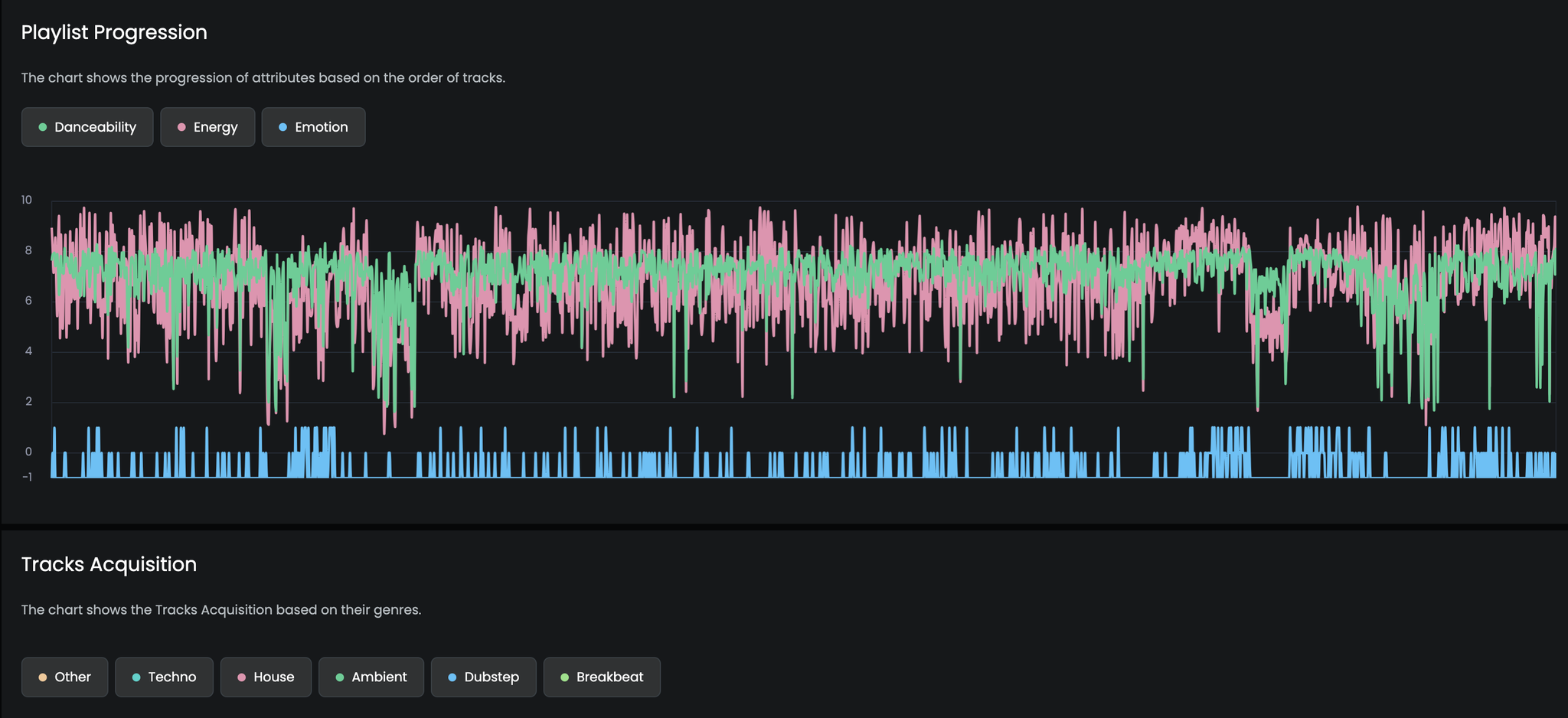
- Library insights to see the bigger picture of your collection
All analysis happens locally and never change the initial files
Your Track Quota
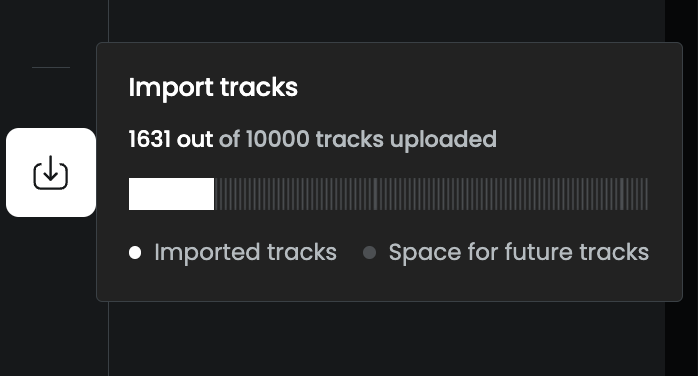
The top right corner of Import Center shows how many tracks you've uploaded out of your plan's total (e.g. 1,631 out of 10,000 tracks uploaded).
If you're approaching your limit, reach out via the in-app support button — we're happy to talk about what works for your library size.
Using an external hard drive with DJOID (Mac)
If your music library lives on an external hard drive, you may need to give DJOID permission to access it. Here's how:
- Open System Preferences → Security & Privacy → Privacy
- Select Full Disk Access from the left panel
- Click the lock icon in the bottom left corner and enter your admin password
- Click +, find DJOID in your Applications, and add it to the list
- Restart DJOID and you're good to go
Need help?
If you run into anything unexpected during import, reach out via the in-app support button or drop us a message at support@djoid.io.