Concepts and Terminology in Djoid
To master music curation in Djoid, it's important to understand how we structure the preparation process. Here are the three key building blocks:
Collection
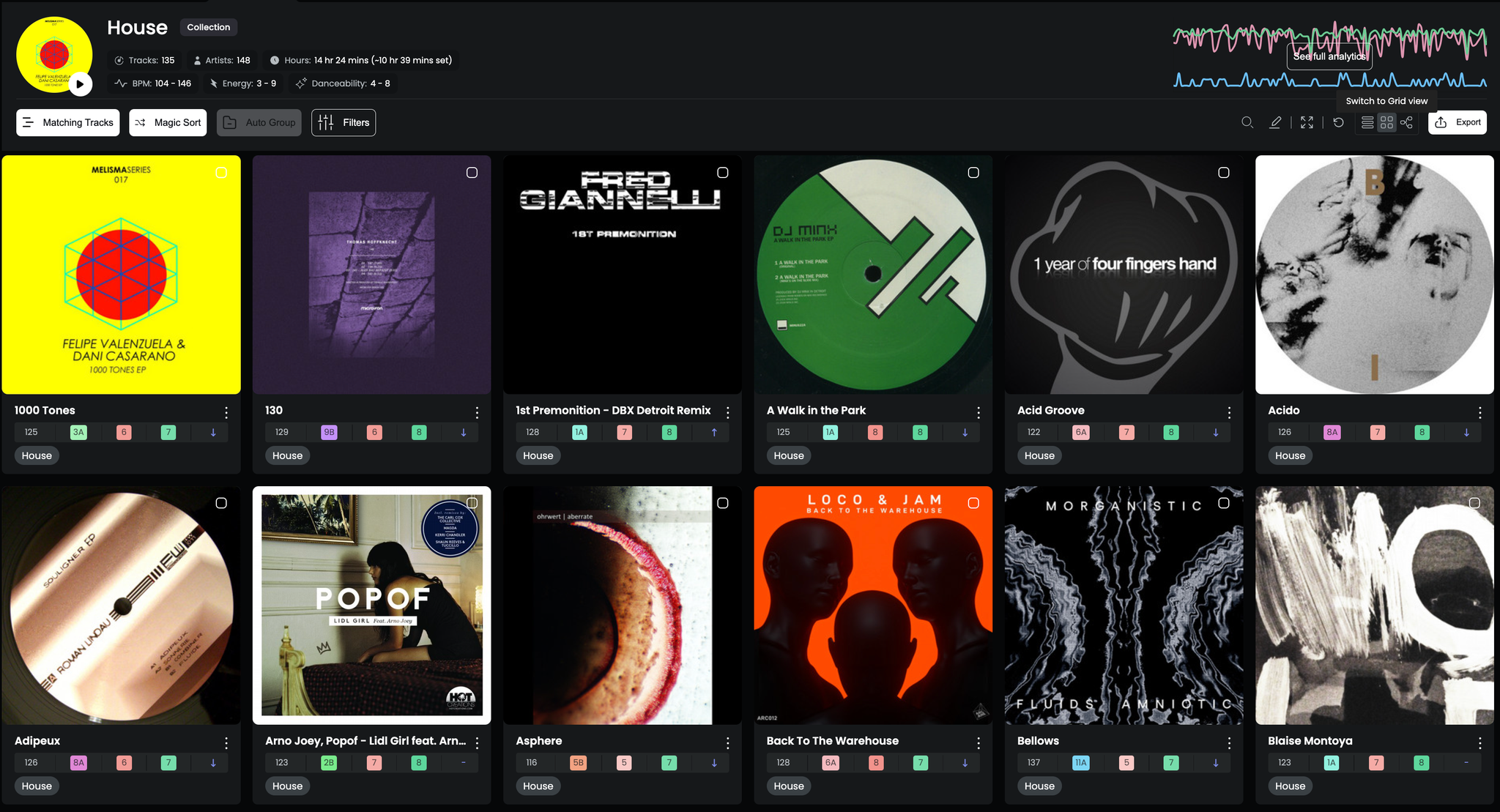
“A stable pool of tracks connected by a shared purpose.”
What it is:
A Collection is a large group of tracks that belong together for a reason — a genre, mood, label, era, or personal taste. It functions like a folder or archive you can always come back to.
- Collections are not meant to be played directly at gigs.
- They’re too broad for performance, but perfect as starting points for curation.
- You typically have a few dozen Collections — not hundreds.
Example:
- “2020s Groovy Techno”
- “Dub + Deep”
- “My Label Demos”
Use it for:
Sourcing and digging for playlists. Starting new projects with a focused pool of inspiration.
Playlist
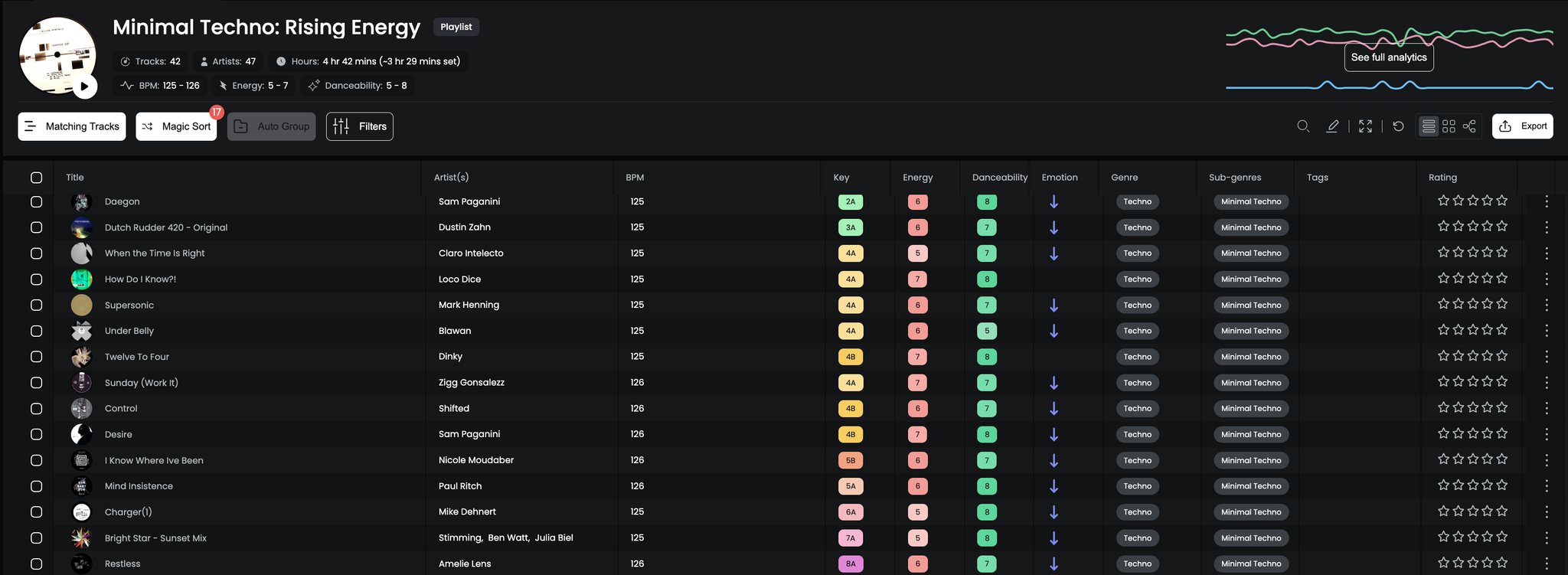
“Your gig-ready curation zone.”
What it is:
A Playlist is where you prepare music for a specific purpose — a venue, event, set, or mood. You’ll sort, refine, and finalize tracks here.
- Built from one or more Collections
- Smaller in size and ready for export to your decks
- Dynamic and always evolving
Example:
- “Sisyphos – Summer Opening”
- “Late-night Ambient Set”
- “Closing vibes – 126 BPM”
Use it for:
Curation, sorting, final selection, gig prep, last-minute edits.
Chapter

“A section of your set with a unified vibe.”
What it is:
A Chapter is a part of a playlist — a section that defines a mood, energy level, or narrative moment within your set.
- Typically 3–10 tracks
- Lasts 15–45 minutes
- Focused on one vibe, genre, or intensity level
Example:
- “Warm-up: Hypnotic + Deep”
- “Peak hour: Driving & Trippy”
- “Outro: Emotional Landing”
Use it for:
Structuring your set into scenes. Designing musical transitions. Telling a story on the dance floor.