
The Settings page in Djoid allows you to personalize your workspace and optimize how your music library is displayed and managed.
🔐 Account
Manage your personal account settings, including login credentials and preferences.
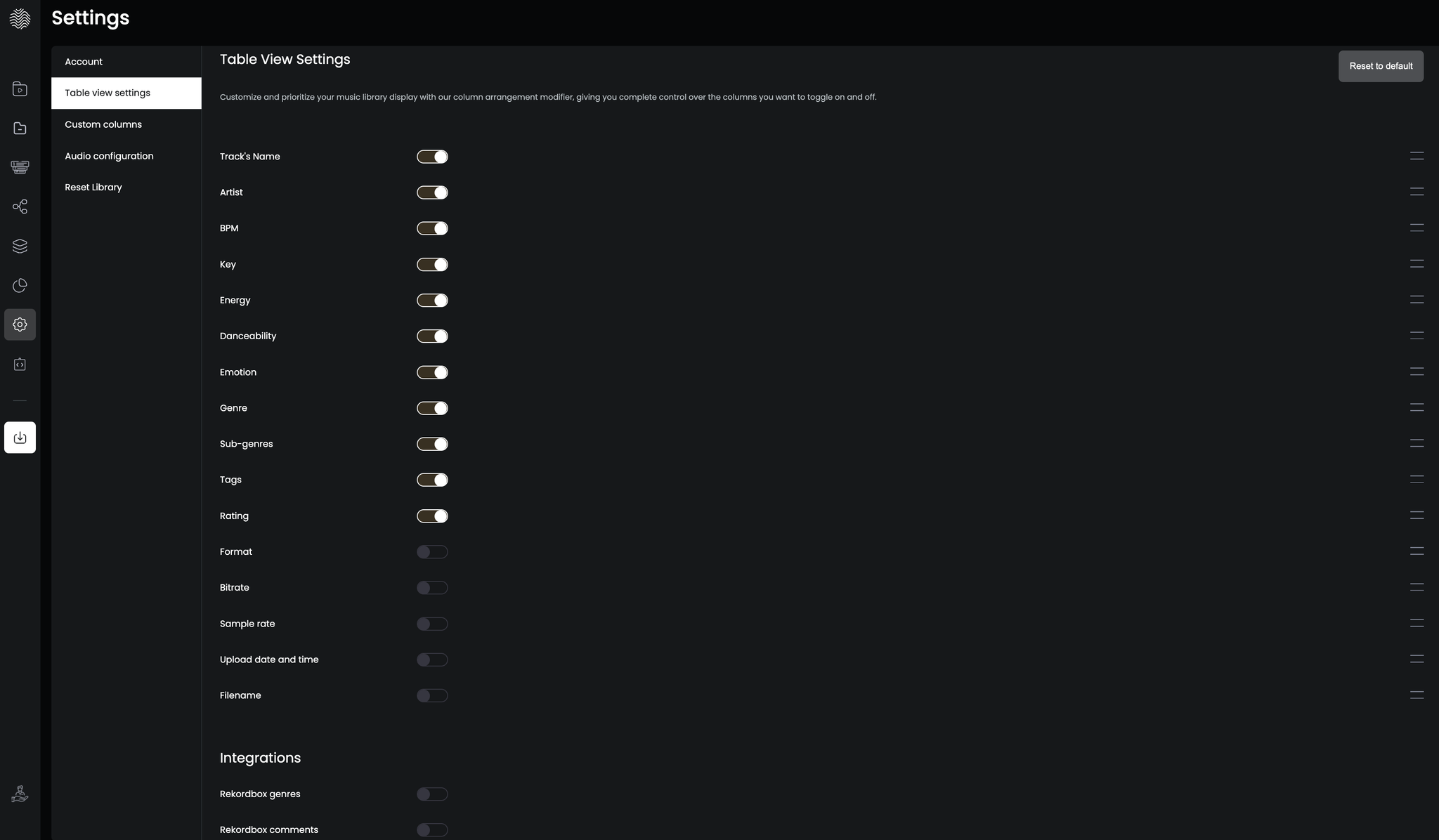
🧾 Table View Settings
- Customize which fields (columns) are visible in the track table and adjust their order. You can tailor the view to fit your workflow and highlight what matters most when organizing and preparing your music.
- Enable additional metadata fields, such as Rekordbox-specific tags (like Genre Metadata), so they become visible in the track table and searchable in the filter panel. This is especially useful if you're importing tracks from Rekordbox or planning to export back into it.
🎧 Audio Configuration
Set your preferred audio output device to preview tracks directly within Djoid.
🧹 Reset Library
This will remove all your current tracks, metadata, playlists, and settings giving you a clean slate to start fresh. Use with caution.